Floor plan and tables
The floor plan shows your tables. Orders are assigned directly to a table.
Features
From the table to the daily closing: these are the features available in the system. Which of them your business needs, we'll work out together in the demo.
Floor and till
The floor plan shows your tables. Orders are assigned directly to a table.
Sell without a table — at the counter, for take-away or in a shop.
Tips are recorded as a separate item.
Every order has a clear status: draft, open, paid or cancelled. Cancelling requires a reason and the matching permission.
Mobile ordering
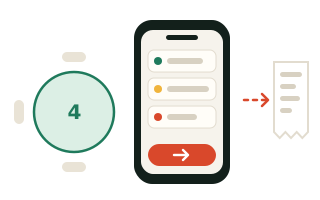
Service staff take orders at the table on iPhone or iPad and send them on immediately. No paper slip, no walk to the till.
Kitchen and pickup display
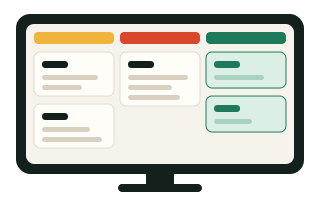
The kitchen display shows orders in three columns: new, in progress, ready. A separate pickup display shows guests only the order numbers — with no controls.
Self-checkout kiosk
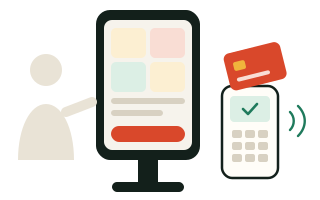
At the kiosk, guests browse the menu, build their order, choose a table or seat and pay by card at the card terminal — without a cashier. This takes pressure off the till at peak times.
Team and permissions
Access is granted through roles. Critical actions such as voids are tied to permissions.
All features and settings.
Maintains items and keeps an eye on the numbers.
Takes orders and handles payment.
Looks after tables and orders on the floor.
The till interface is available in German and English — handy for international teams.
Nexus
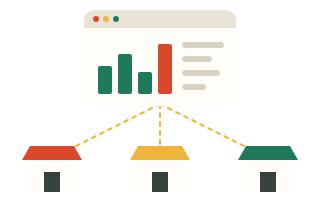
Nexus is the cloud portal for owners: tills, orders and fiscal data from all locations in one place. You set up the fiskaly connection there, per location.
In the demo we go through your workflow — from the table to the daily closing.